The multicolor 3D printing is becoming more common. Bambulabs and their AMS, and Creality with CFS, we see a proliferation of multicolor printing. I do not have a multicolor printer. Over the years, I have dabbled with printing in multiple filament. I did this using a few hacks.
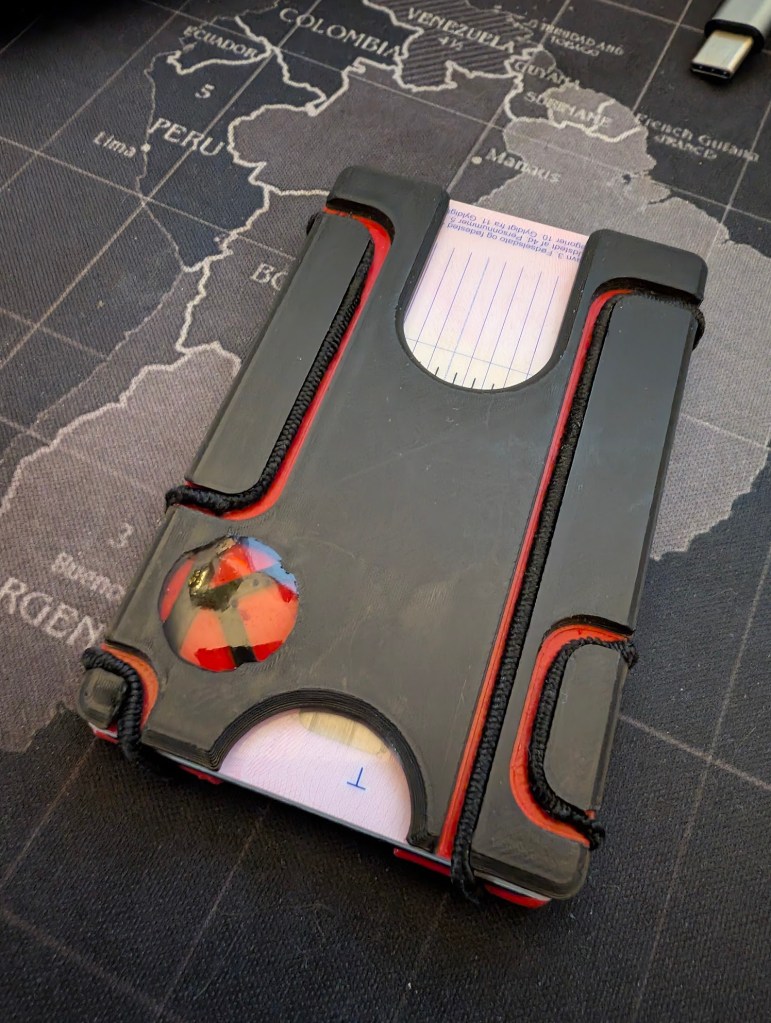
Simplest one is to start the print in one color, pause and change filaments, then continue printing. Here is a wallet I printed this way:
Another method is to print in one color on the surface, and then print around and over it using z-hop distance equal to the height of the pattern. This requires good adherence to the surface and careful tuning of the printer. I did print some keycaps this way but they can’t compete with the genuine article in terms of feel.
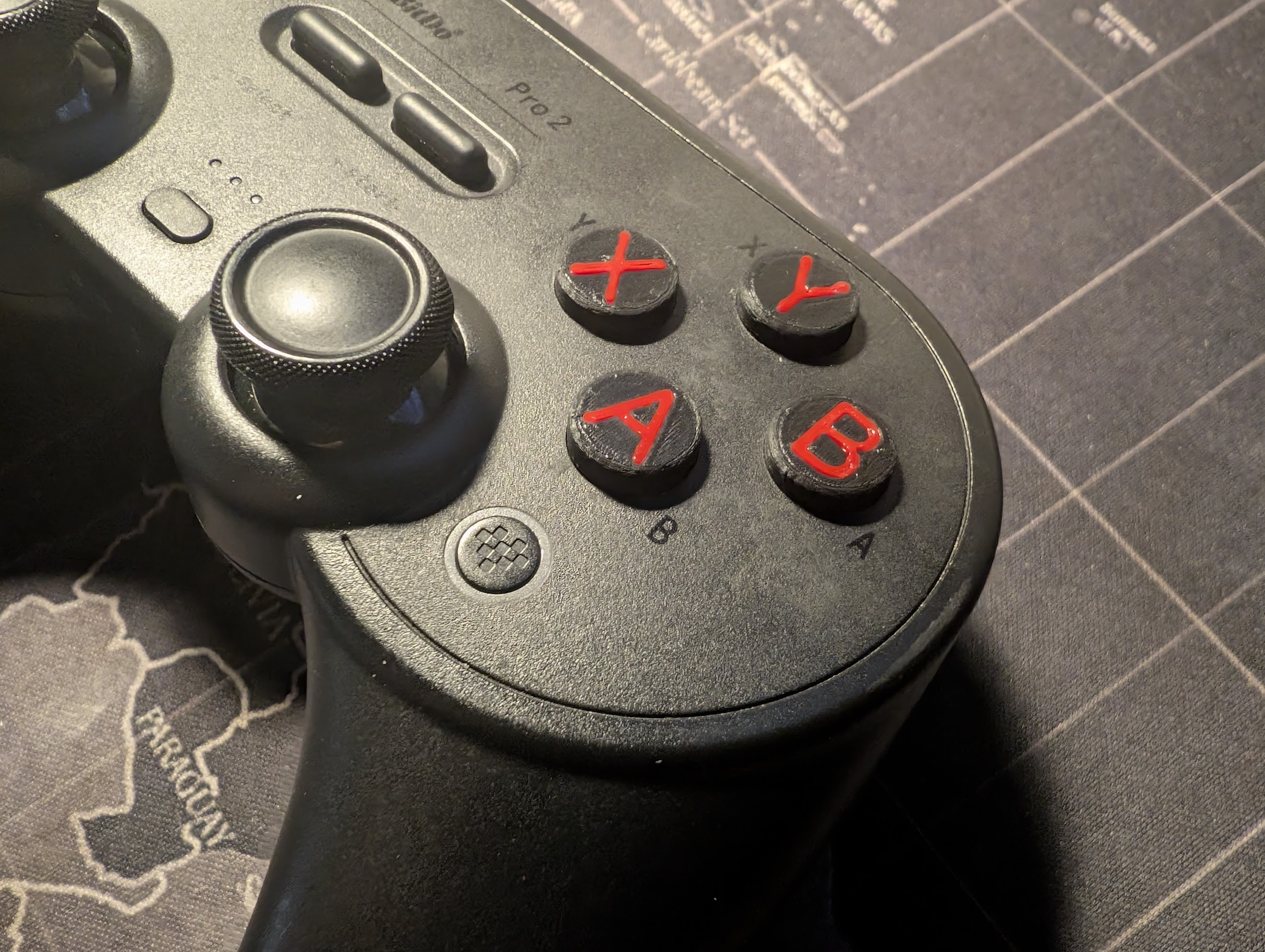
You can also alter the model to have grooves the same shape as the pattern you want in them. Then embed the pattern in by pushing. This is my most recent creation. I wasn’t happy with my 8Bitdo Pro 2’s not having labels on the buttons. I took the matters into my own hands and now they do.


Maybe I won’t print really complicated multicolor designs, but a single color printer can still achieve a lot.
 Irfmeister's Adventures
Leave a comment